When it comes to backup and data protection, Veritas Netbackup is one of the top leader in this business.
in this article I will mention all steps which I have taken to install Veritas on Linux server.
for this Lab I have :
Veritas netbackup 10.0.0.1
Redhat 9.1
Once you install the Redhat on your server, which hopefully you will have no issue in doing it,we need to do a few steps before we start installing our netbackup on our server.
I will assume that you have a fresh Linux server and no other application is installed on it.
first thing we do , we will update our Linux with the latest update (logged in by root)#yum update
once you update the server, we need to install Three packages which are critical for Netbackup installation:yum install libnsl.so.1
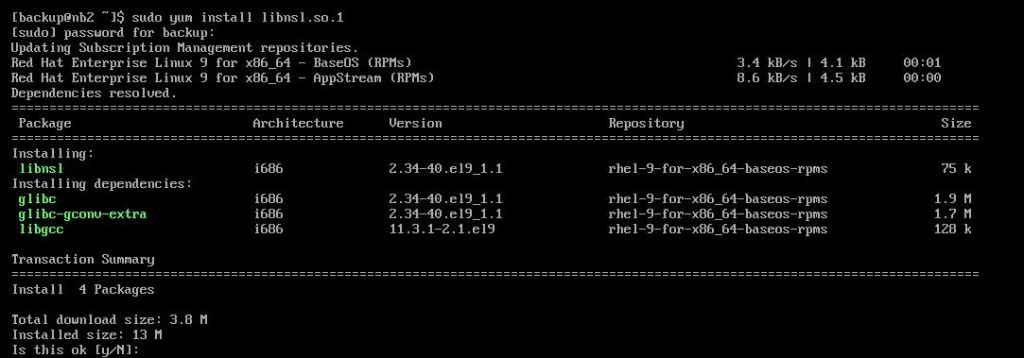
yum install libXtst

yum install libnsl
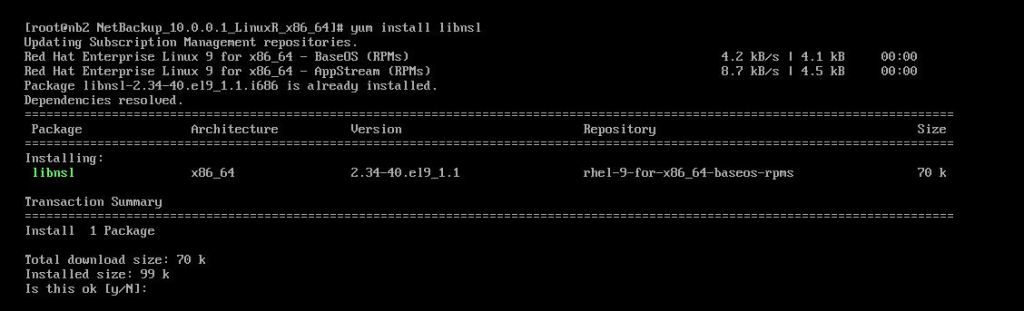
once you install all these three packages,we are ready for next step which is creating the web user group and username.
Netbackup master server uses a specific usergroup name which is “nbwebgrp” and a username “nbwebsvc”which must be a member of this gorup, for its web server.
to create the group:groupadd nbwebgrp
create the user and added to the above group:useradd -g nbewbgrp -c 'Netbackup Web services account' -d /usr/openv/wmc nbwebsvc
Now if you like to create a service account for netbackup, to start the services with it, you can do below steps:
first create a group for the service account:groupadd netbackup
create the service account and added to the above gorup:useradd -g netbackup -c 'Netbackup Service account' -d /usr/openv/netbackup
we will add nbwegrp as the secondary group for netbackup.usermod -a -G nbwebgrp netbackup
for the porpose of this installation (LAB) , I have disabled the firewall on linux server.
Now that we have created our accounts,we can go ahead with our installation:
first let us mount the installation media to our linux:
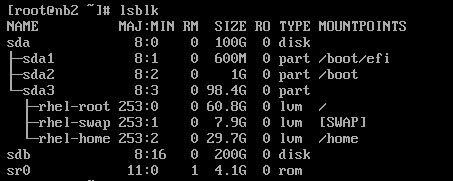
with running “lsblk” as above, we can see that our CD rom name is sr0, so we need to mount it to a location (folder) so we can access the data of the media.
I have already inserted my veritas 10 in the server CD ROM (since it is redhat I used, VeritaslinuxR.iso), first I will create a folder to mount the media to it:(all below commands are as root )#mkdir /tmp/netbackup
I will mount my CDROM:#mount /dev/sr0 /tmp/netbackup/
we will change our directory to /tmp/netbackup/#cd /tmp/netbackup
drill to directory which holds install script and run:#./install
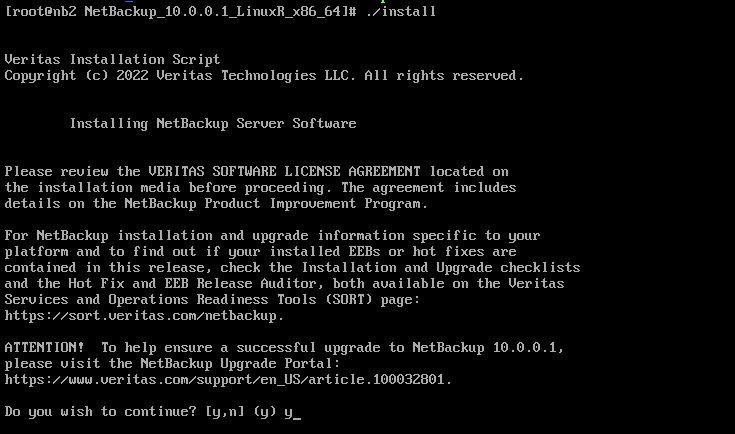
do you will to continue? y
the netbackup now will check for critical system conditions & non critical system conditions which will let you know if there are any configuration which needs to be changed:

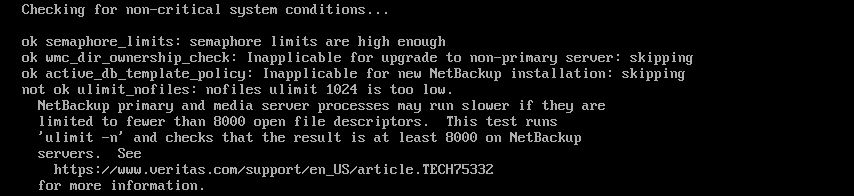
Veritas found that one of the setting in my environment does not match the requirement, which is for number of open files access in linux,here to fix the issue, I have presses q and exited from the setup.open limits.conf with your favorate editor# vi /etc/security/limits.conf
add the soft and hard limit for both root and netbackup (service account):

repeat the same lines for root , change netbackup with root.
save the file and do a reboot.
we will do the installation again.this time the installation , susscessfully passes all tests:
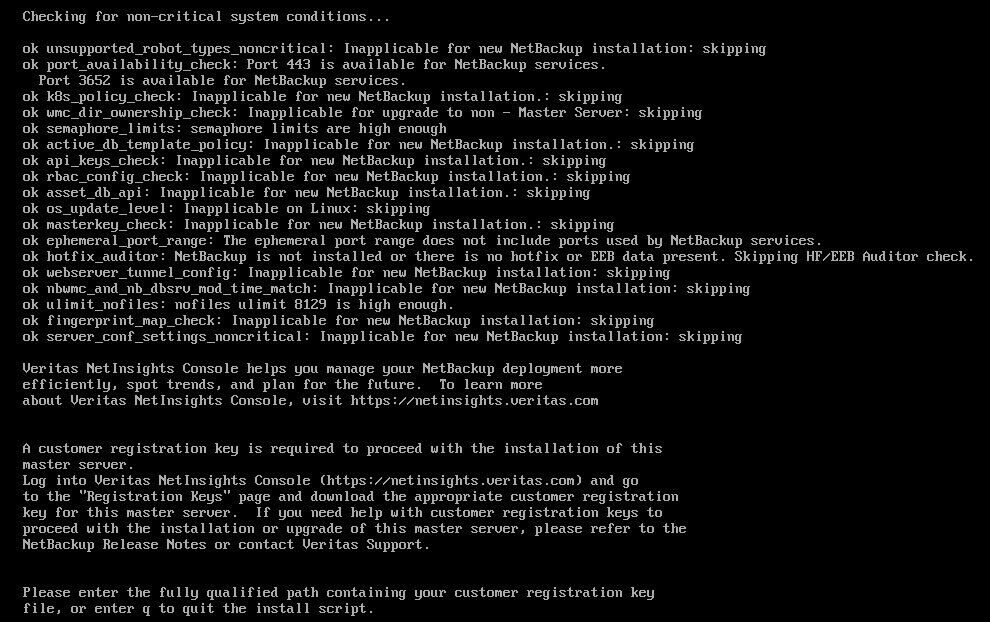
we need to enter the path to our customer registeration key, mine was in tmp:
#/tmpt/veritas_customer_registeration_key.json (enter)
It will ask you for you for “Enter the name of the service user account to be used to start mose of daemons:”
we will use our service acccoun which we created earlier:netbackup

Press y to install netback and media manager files, enter

Add your product key, and press y , if you have more than one product key, or n, if you just have one product key.
confirm if the machine name is correct, and press y,
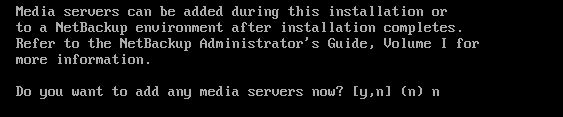
if you have any media server, you can add them from here, I did not have, so n
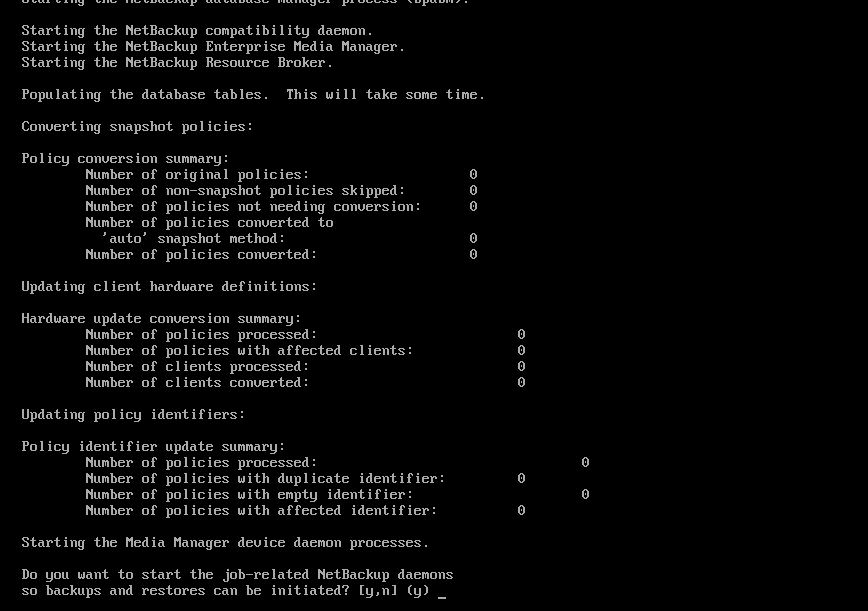
press y to start the netbackup services

if you have an OpsCenter, enter the name of the OpsCenter here, otherwise NONE
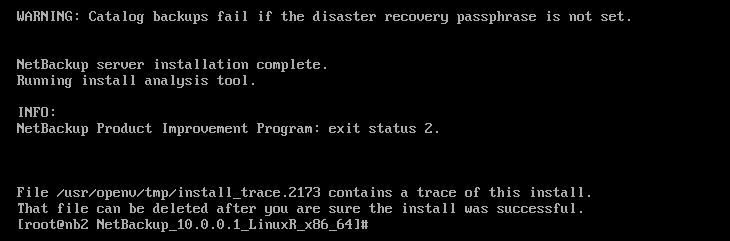
our Installation is completed.
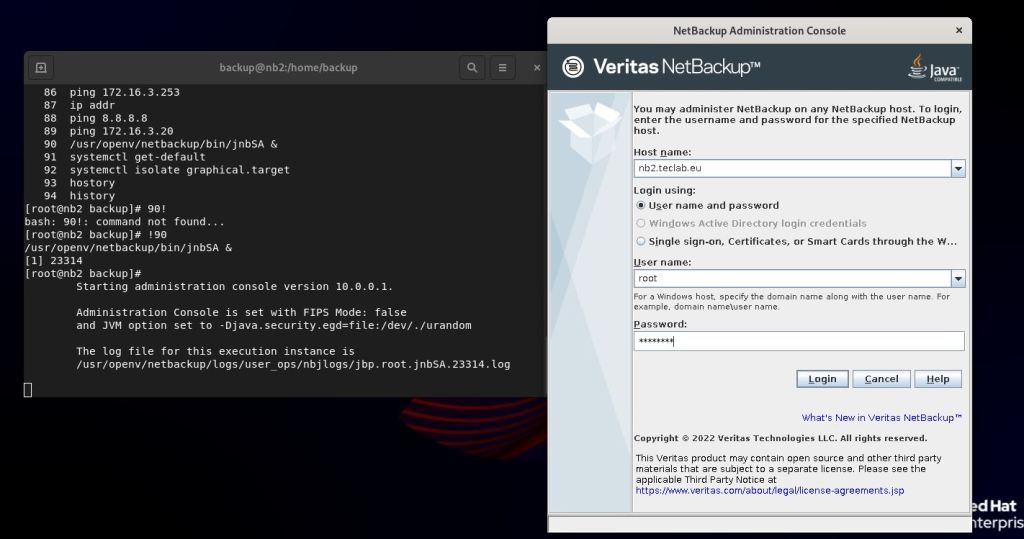
to access the Netbackup Java console , from terminal run:#/usr/openv/netbackup/bin/jnbSA &
To complete the above post I have used Veritas documentation.
 tech journey