many organization do use on premise Certificate Authority (CA) to manage their in house application’s SSL requests and for security/compliance perspective which is usually mandated for organization.
if you need to migrate CA /subordinate CA to a different host , it has a set of steps which needs to be followed to ensure a smooth migration.
In this post I will show how to migrate certificate authority Root to a different host with different name and IP address.
In my LAB I have one root CA and I do not have any subordinate CA.
first we need to go to our available CA and do a few steps:(all steps must be done by a user which has required permission, I am using domain admin for this LAB)
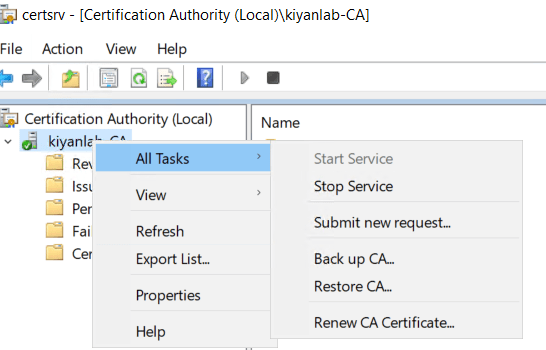
open the certification Authority console , right click on the CA name >All Tasks>backup CA
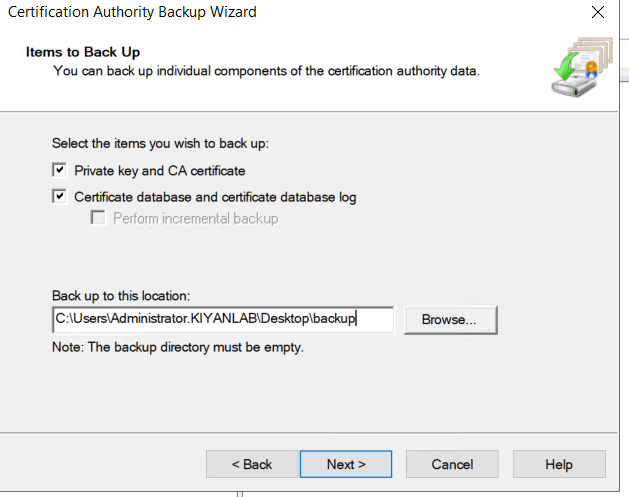
click next and select check marks as shown below, save the backup to a local folder or shared folder.
on next step, provide a password for your backup which will be required when we want to restore the backup on new server. click next and finish
now ,open cmd, and run “pkiview”,export the configuration of enterprise PKI, this might come handy if needed in the new host.

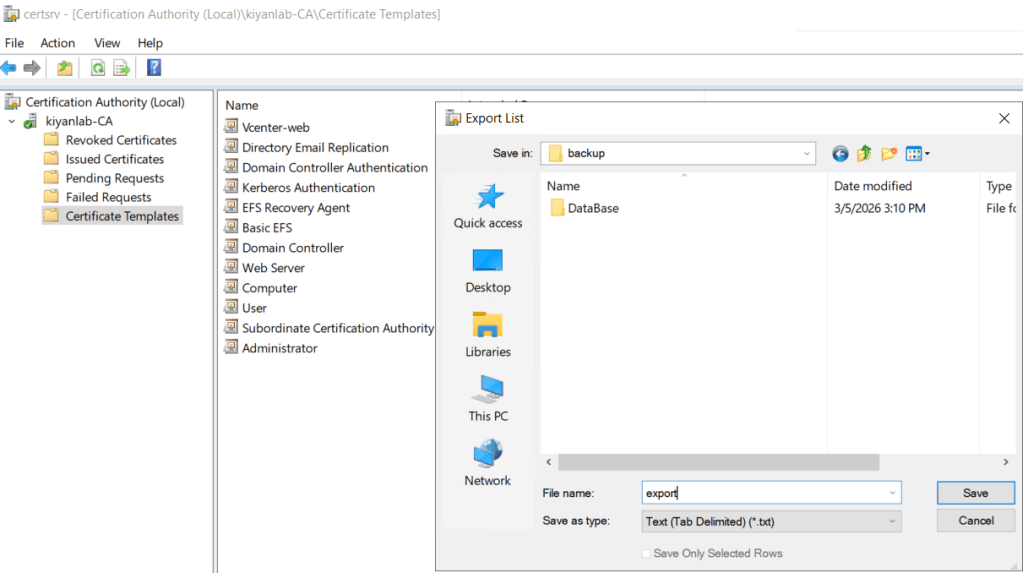
access the certificate authority console again ,right click on certificate templates and export templates to backup folder.
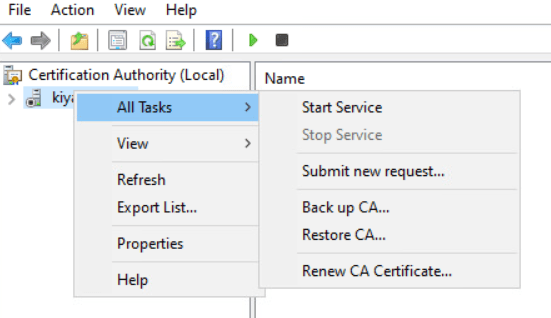
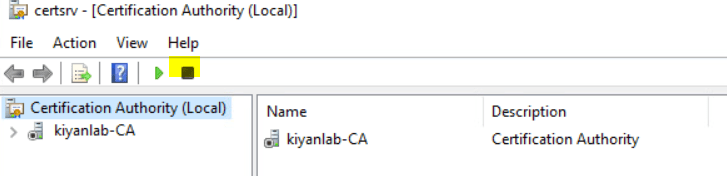
right click on CA name > All Tasks > stop service, to avoid CA from issuing new certificates
open registry and migrate CA configuration keys and folder, right click on Configuration folder in below path and export (save it to the same folder backup):
HKLM\SYSTEM\CurrentControlSet\Services\CertSvc\Configuration
now we have taken backup of all required configuraiton of CA.
we have two option now, we can either remove the Certificate authority from the old CA server, or if we are not going to remove it (to have it as a fall back plan),then after we install the Certificate authority on new server, we should not touch the old server .the certificate authority software should not be removed from old server once it is deployed on new server.
on new server, make sure the backup folder is copied to it or it is accessible from it.
install the CA software on the new server , you can follow this post , once it is installed as a role, for post configuration, we will follow from here
click on post configuration for “configure active directory certificate services on this server”
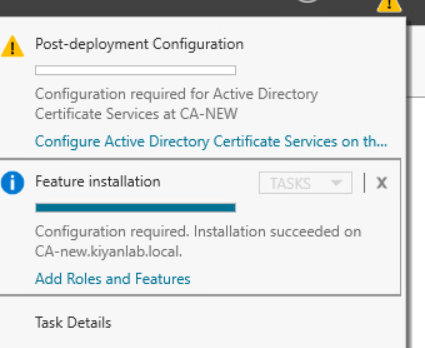
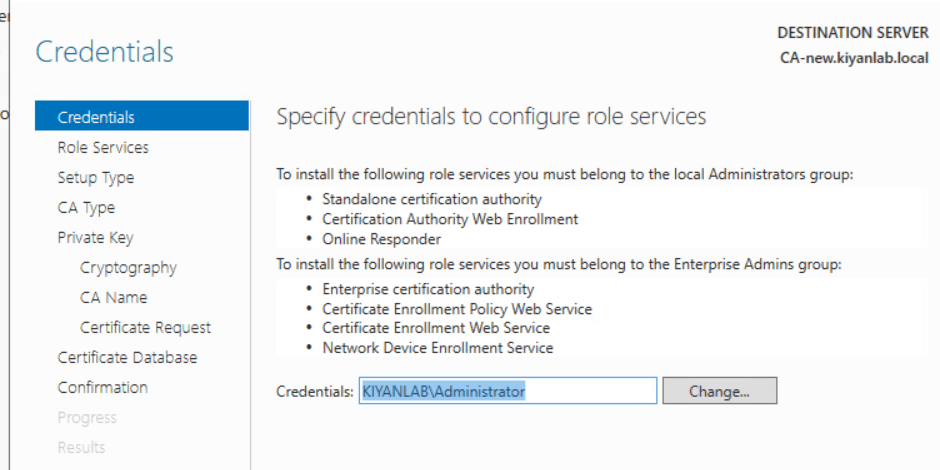
click next, make sure the username mentioned i credential does have the required permission , click next
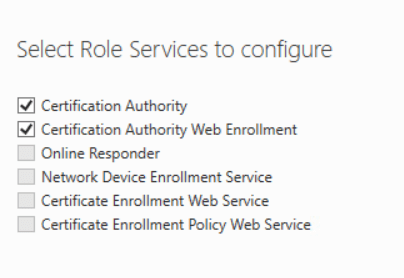
choose roles which needs to be installed and click next
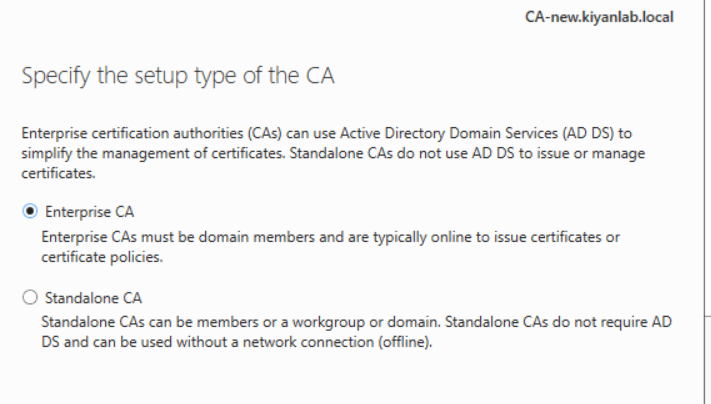
choose enterprise CA from the options and click next
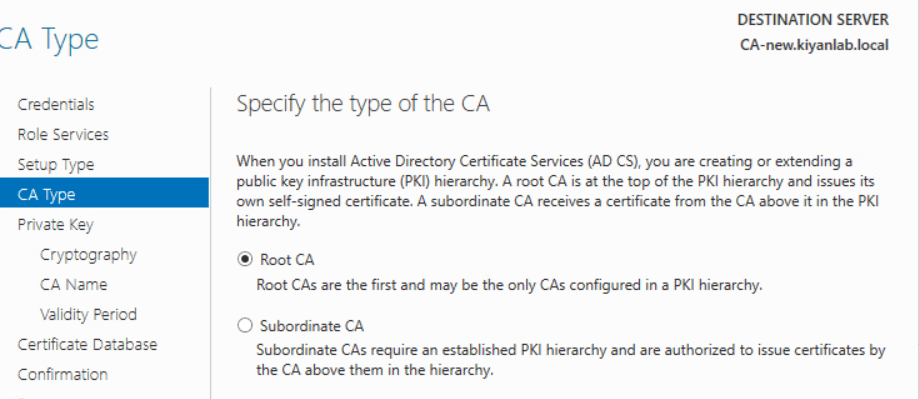
choose root CA and click next
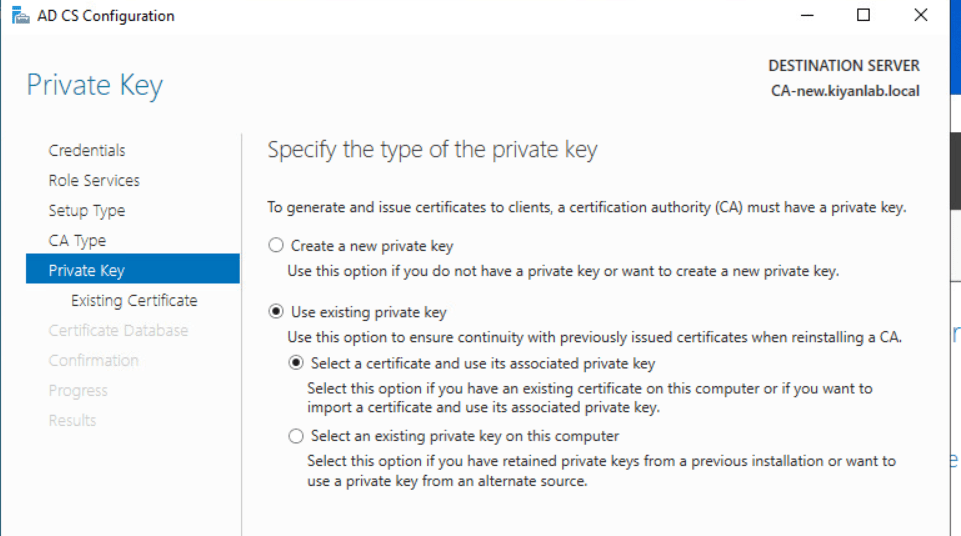
on private key, choose “existing private key: and choose “select a certificate and use its associate private key” click next
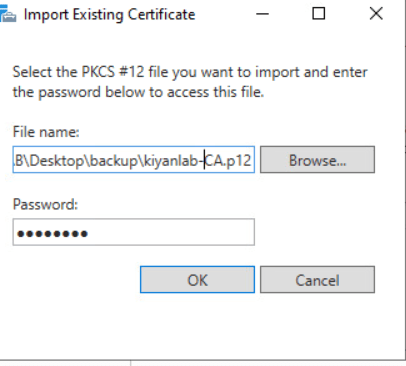
give the path to backup folder which we took from old CA server (file with p12 extention) and the password provided at the time of export on old CA,click next
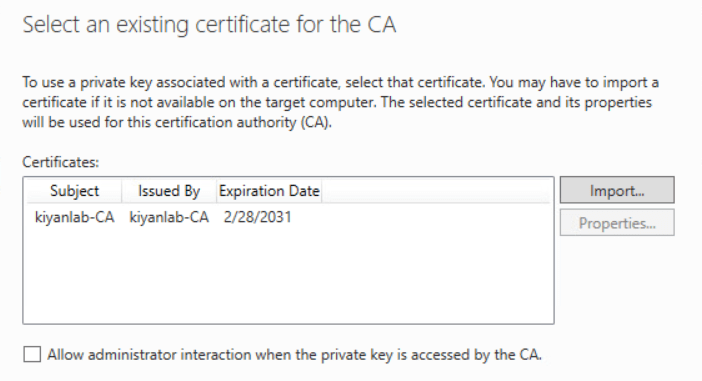
ensure the name of the CA certificate is showing the correct name for old CA and click next
specify the database location for certificate and logs ,or keep it as it is.click next
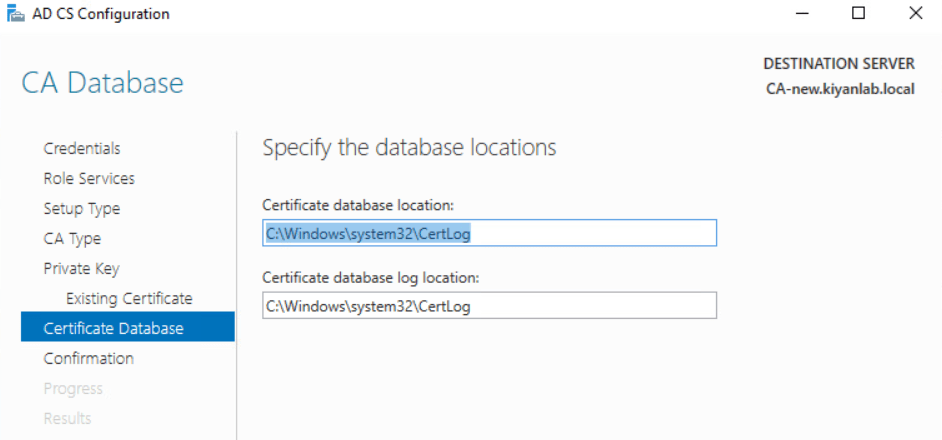
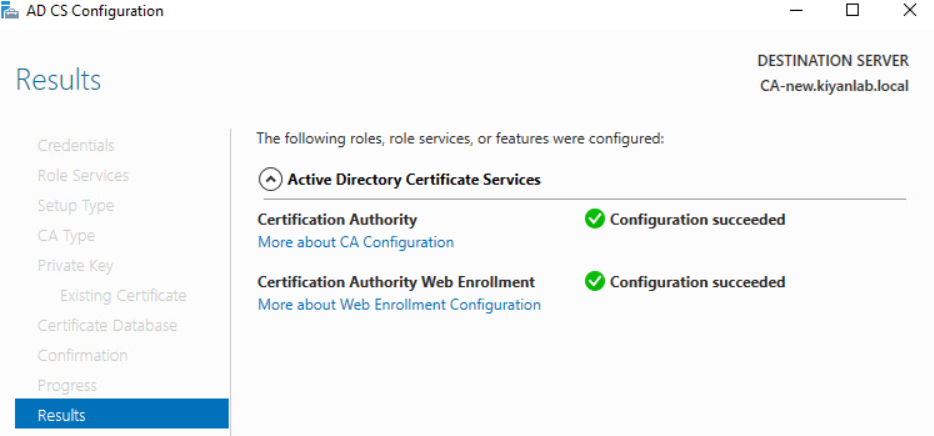
click next on confirmation page and make sure the result page shows successful
open the registry file which was exported from old CA in your desired notepad and look for “CAServerName” make sure the name in front of it matches the new CA hostname

stop the Certificate authority service and import the registry file by double clicking on it
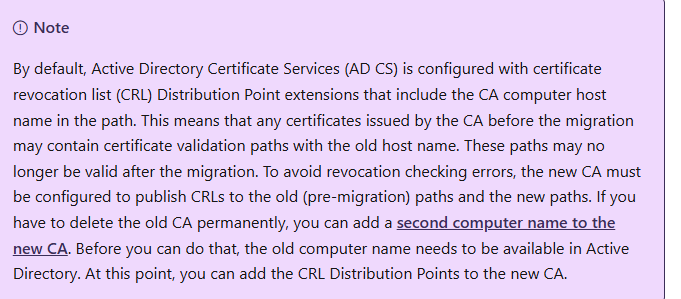
since we are doing the migration of CA and changing the name, I like to share note from Microsoft article
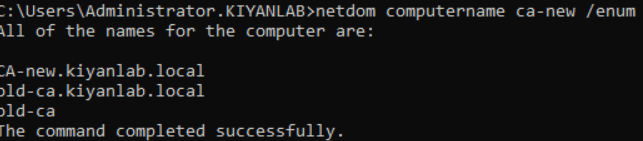
to ensure this change does not impact the issued certificate , we will add the old CA hostname as a secondary name. open a command line and enter below command to add the hostname of the old CA to new CA as a secondary hostname

ensure the old hostname is listed.
now we have to restore the CA.
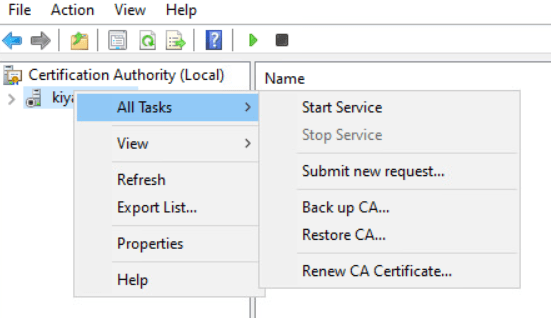
open the certificate Authority >right click on CA name>All Tasks>Restore CA
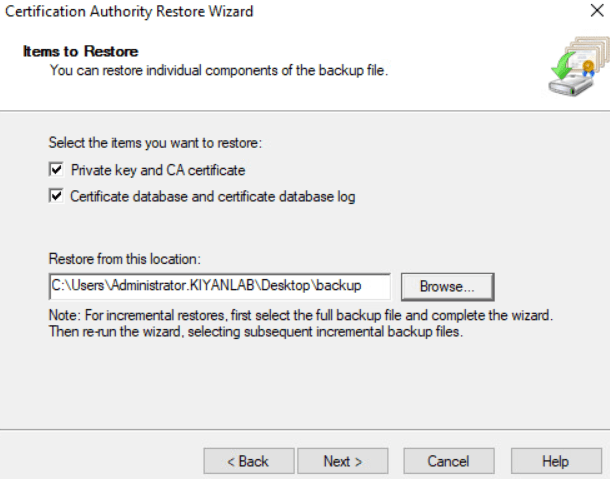
select both items to be restored and click next
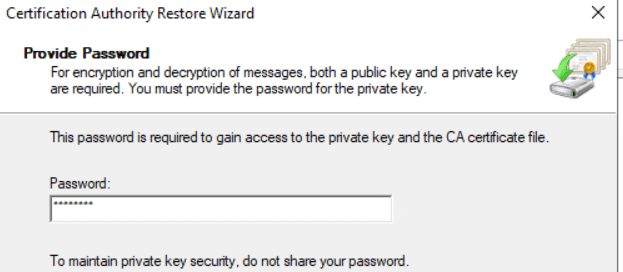
enter the password which was typed at the time of export and click next and then finish.
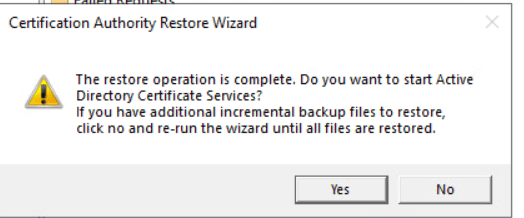
once it is finished,click yes,to start the CA service.
last but not the least, the templates will not be restored, so we can use the exported list to add them again.this process needs to be done manually by enabling each customized template one by one.
Ahmad Jamali
Reference:
 tech journey