in my home lab , I did not have a Certificate authority (CA) available, so I thought to install it as I will be needing it for my future projects.
since it is a LAB, I will install my CA on windows and I will not install any subordinate CA , but if it is production , it is strongly recommended that you keep root CA on a different server and it should be offline unless it is required, and let the subordinate CA takes care of issuing certificates.
Installation of CA root
make sure the windows is up to date and it is joined to the domain,
assign a static IP address to your CA and provides the proper DNS A record and reverse record for it.
your username should have the proper privilege and permission for CA installation; I am using the domain admin for this installation.
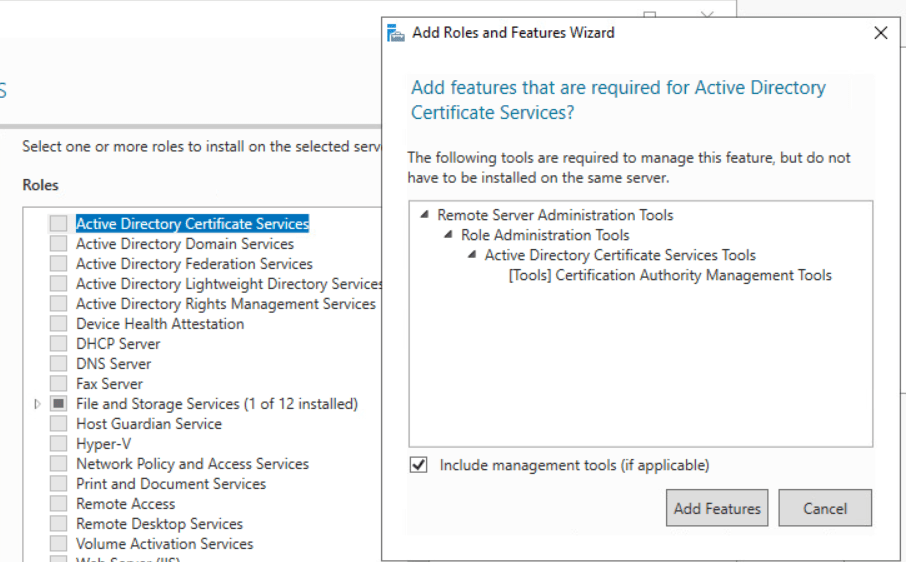
open server manager click on next until you reach Server roles. Select “Active Directory Certificate Services” and click add features
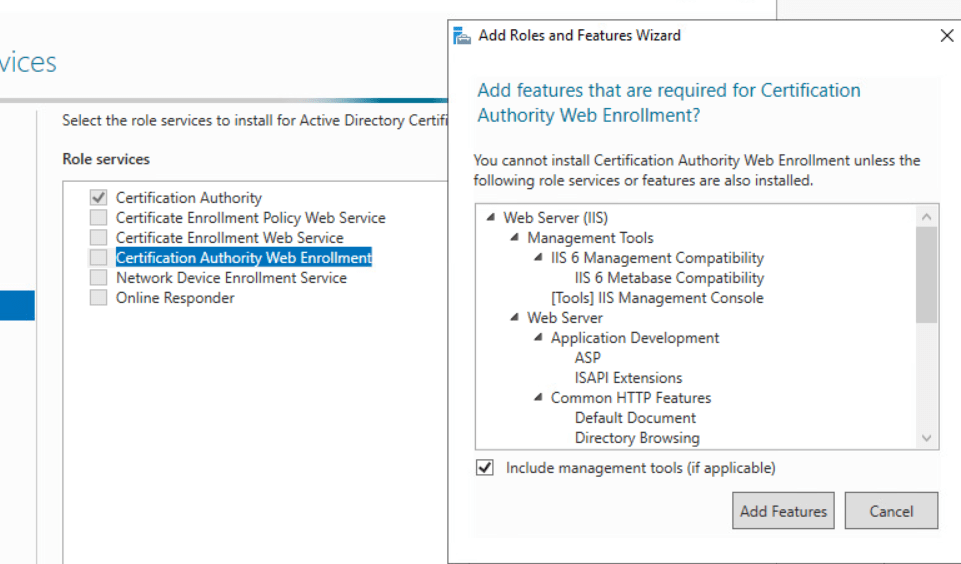
select the required features, I will select “Certificate Authority” and “Certification Authority Web Enrollment” click on Add Features.
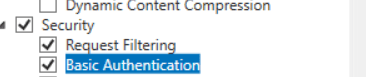
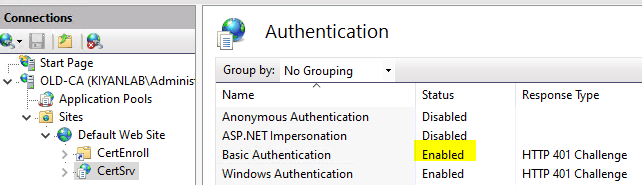
make sure basic authentication is selected under IIS features.
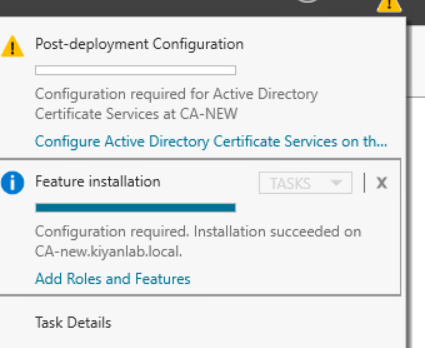
click on next and finish, once the installation is finish, again access the server manager,and select post-deployment configuration,
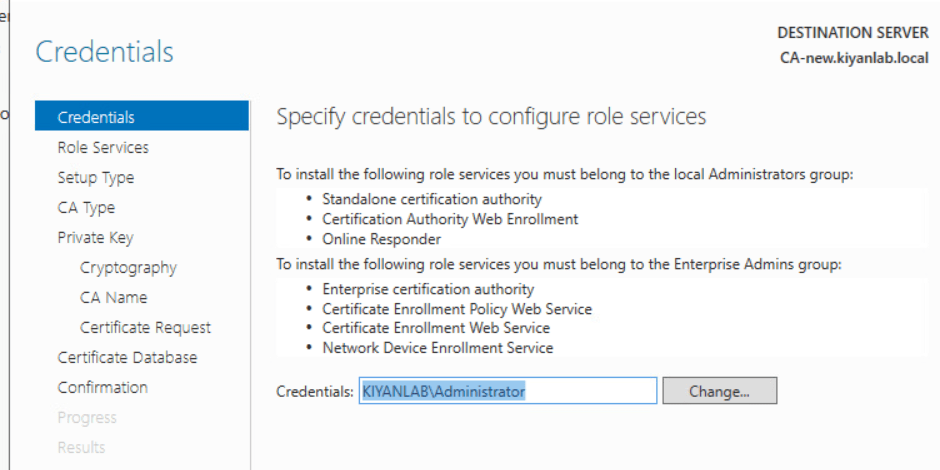
on the first page, ensure the user mentioned has the required permission , I have used the domain admin user for installation, which is member of enterprise admin group.click Next
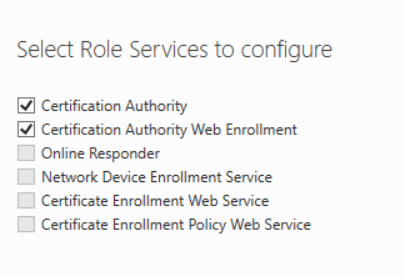
on next page, make sure both roles are selected and click next
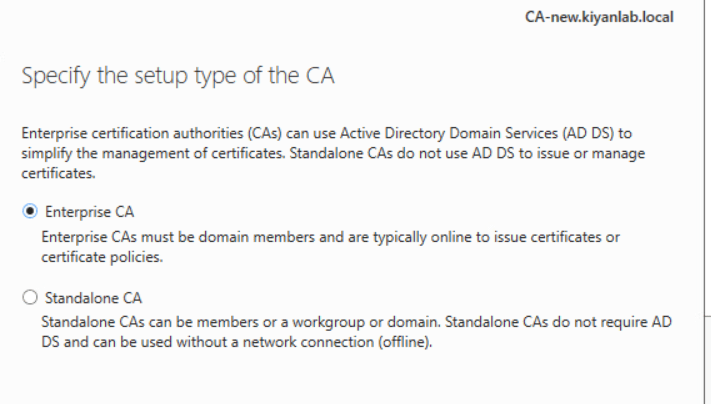
specify the type of CA , for my lab I select enterprise CA
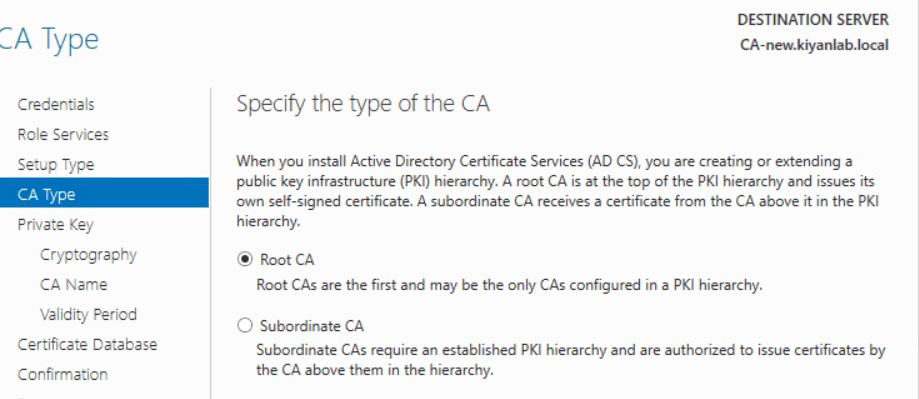
specify the type of CA, As I mentioned I will be using Root CA
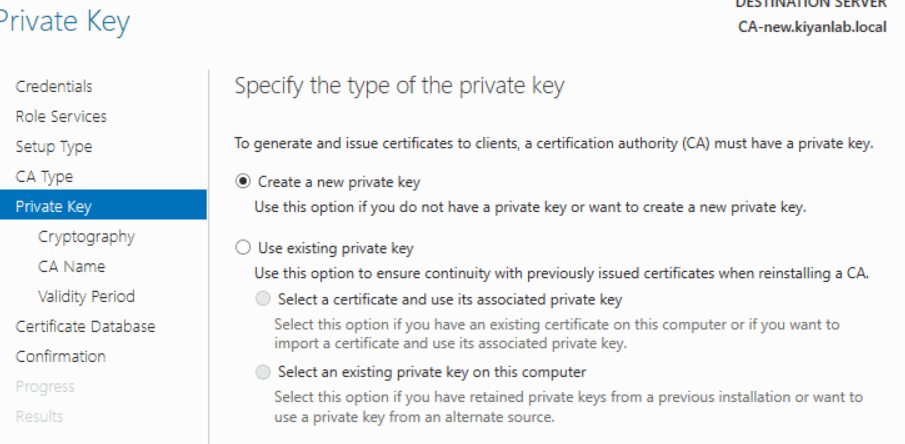
select create a new private key
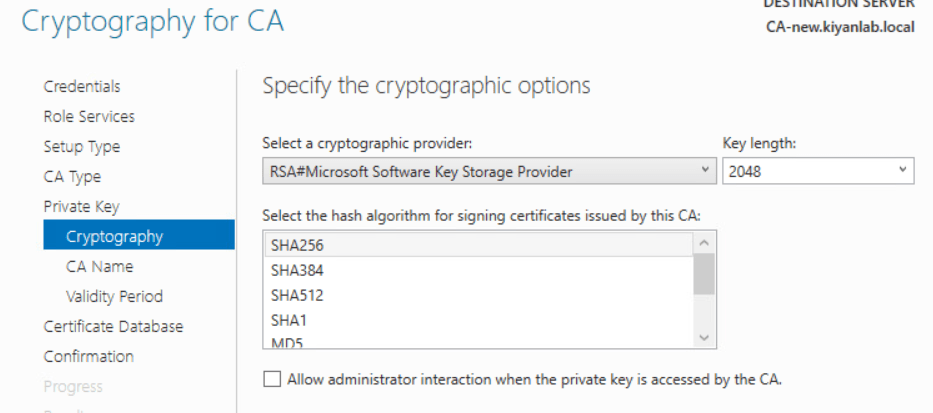
on cryptography , keep it as default and click next (the default selection does match what we need)
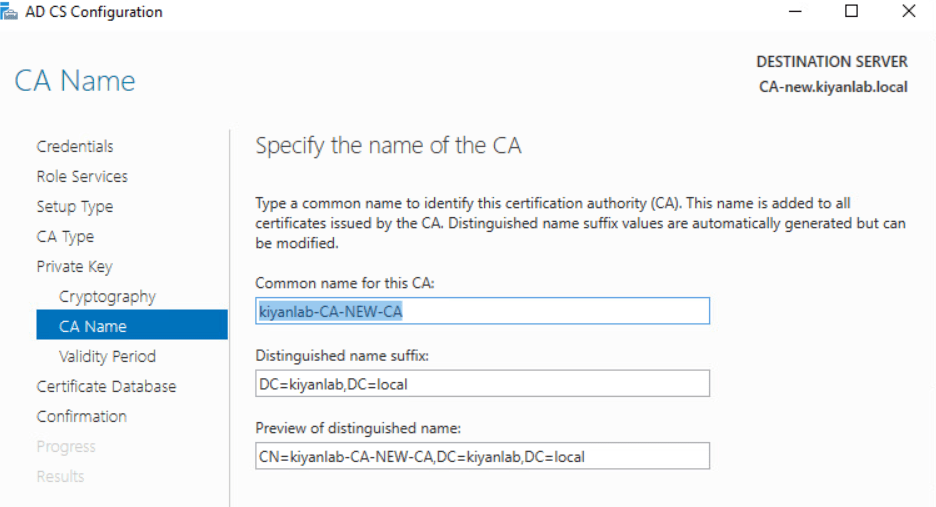
on CA name,keep the default name or change the common name as you wish
on validity period keep it as default (unless you want to increase it )
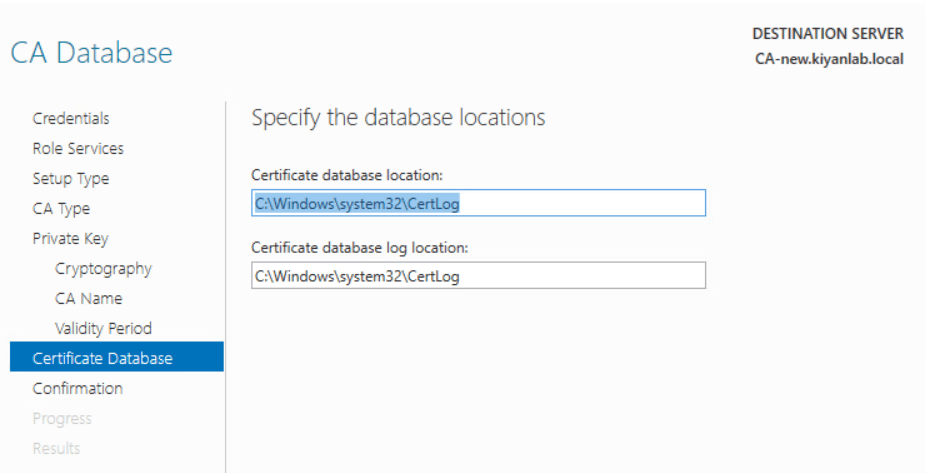
click next and next to finish.
once the installation is finish,
open the IIS manager and enable the basic authentication as shown below
now try to access the CA website
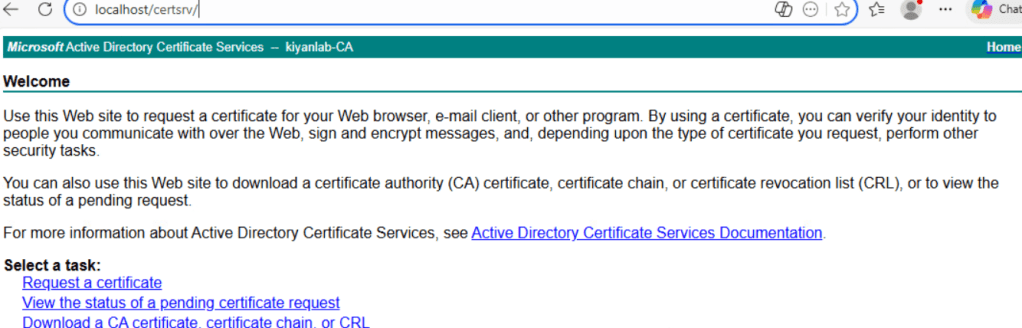
our CA is ready and we can submit certificate requests to it.
Ahmad Jamali
 tech journey