When you are in charge or respoinsible for backup and protection in your firm,you will always receive calls and request to recover deleted data to it’s original location or to a different location based on the decision that you or the requester will take.
I will try to show in this post, how you can restore a file level backup from an Oracle Unix to another Oracle Unix.
Environment:
-Oracle Solaris Spark V10
-Veeam VBR V11 Latest Version
-Veeam Agent V3
-Oracle Solaris servers host Oracle DB , which DBA does freeze the DB with Script and allows a file level Backup to be taken by Veeam and then after the backup the DB gets started again.
-Request:to restore a snapshot of production DB (file level) to a test Server.
A customer contacted me to help him to restore a backup file for their production server to a different server which is a test server.
Veeam does provide you two options to restore a Unix backup:
1-Using the agent:this is a command line and , you will be able to restore files on original server only
2-VEEAM VBR console:you will be able to cope files to windows or another Linux server, but not to another Unix server.Veeam VBR has two options to help you restore Unix files in console:
-helper Host: helper host cannot be a Unix server, needs to be a Linux server, and you need to install the prerequisite software on it.
-helper appliance:it is a tiny Linux VM which Veeam will prepare it for you during the restoration process, there must be connectivity between this VM and your Veeam server, and they must have IP in same range and VLAN.
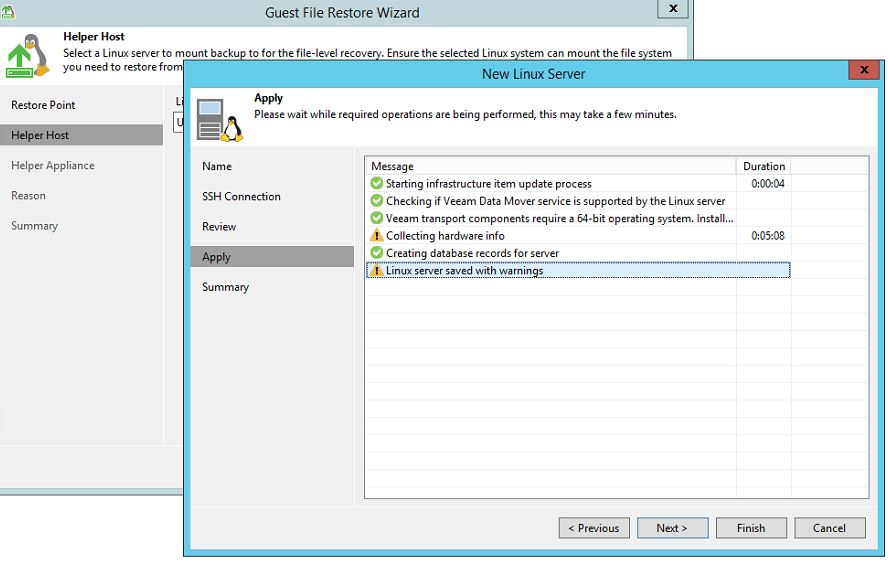
When I tried to use the helper appliance, after configuring the appliance, I received below error:
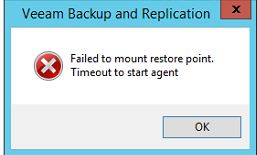
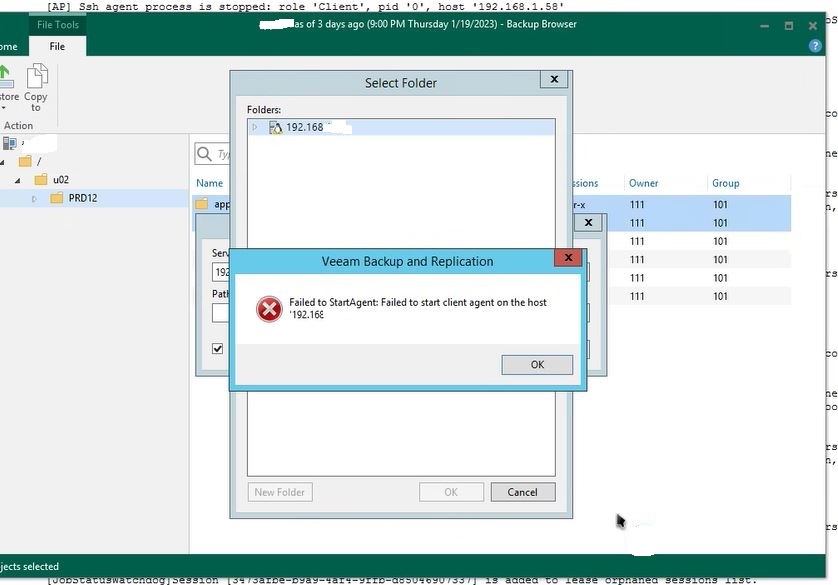
When I tried to use the helper host, At first I tried to use the Unix server as the Helper Host, Which did not work ,but when I created a dummy Linux to use it as the helper host, I received the below error:
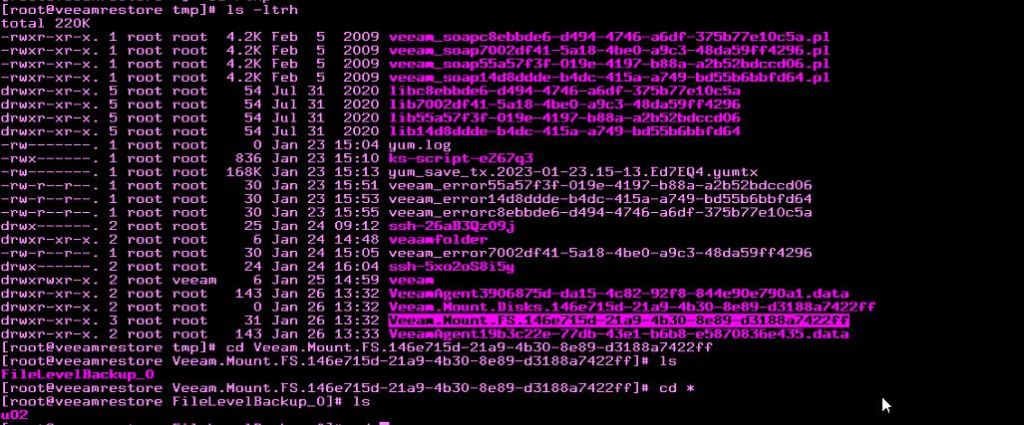
but Veeam was able to mount the restore point to Linux server, as you can see in the below image (under /tmp folder)
I convinced customer to use Linux commands to copy files from Linux to Unix server,
I logged to Unix server and to the location where files need to be copy and used below command:
scp -r root@<linuxIP>:<pathToMountedbackupAndFiles> .

Obviously, the above procedure is not practical for enterprise environments,but it works.
 tech journey