“failed to execure WMI Query, Server does not exist or access denied”
I received a call from one of our customers, explaining that he is not able to do a restore for a VM.on remote session , I saw below error:
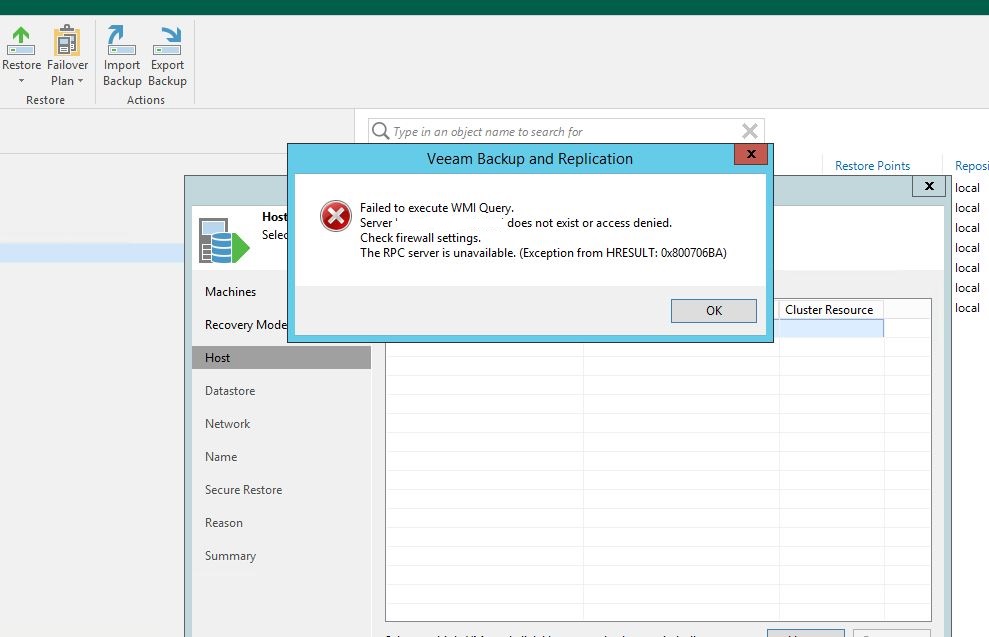
end user has a hyper-v , so I immediately , did a ping test and confirmed the server is up and ping is availble,logged in to the hyper-v and confirmed that Veeam services are running with no issues on the hyper-v host.
I then assumed that it cloud be a permission issue, and tried to test the credentials on Veeam :
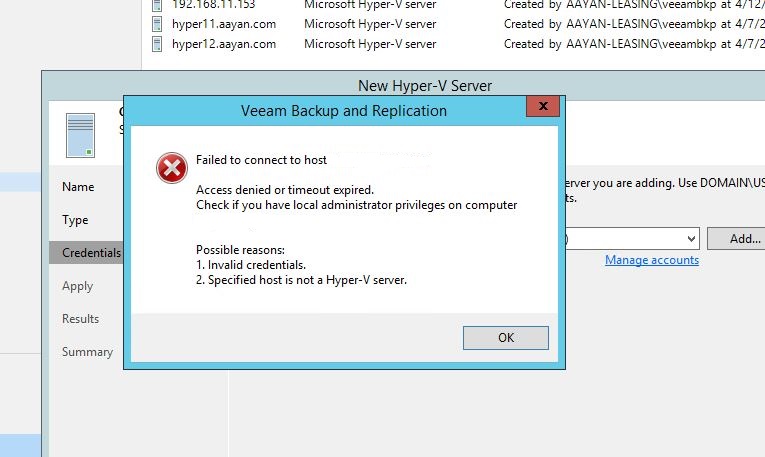
Internally I was jumping up with a glee that I have troubleshooted the issue,asked customer to ensure he is typing the correct password and to my surprise the exact same error repeated.after end user confirmed that he is able to access the hyper-v host through RPC.I even examined the ports (which is on the same place (top image , credentials) and all ports connectivtiy were fine.
By help of Vendor support , I came across this article from microsoft which explains that Microsoft has recently through recent updates pushed hardening schanges which effects remote WMI queries.
So I have asked the customer to update and reboot the host at his maintenace window.
Next day customer called to inform that the issue was sorted out.
lesson of the day:If you are troubleshooting a windows machine, keep rebooting as one of your first availble options for troubleshooting problems.
 tech journey